![[object Object]](https://umsousercontent.com/lib_YdDMIrKyJgRxVKvp/4tf07t8tfz3kfcmw.png?w=400)
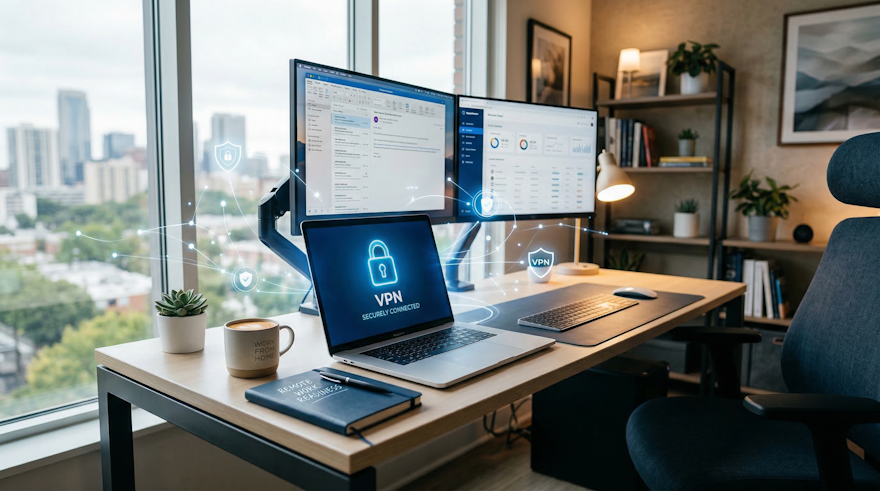
The ability to work from home has become a critical component of modern business operations. Whether responding to unexpected events, supporting flexible work arrangements, or improving employee satisfaction, businesses need to ensure their staff can work remotely securely and efficiently.
Here’s a practical guide to preparing your business for remote work while keeping your data and network safe.
1. Assess Your Remote Work Requirements
Before enabling remote access, start by understanding your staff’s needs:
Which employees need remote access daily or occasionally?
What applications, files, and systems must they access from home?
What devices will employees use (company laptops, personal computers, tablets)?
This assessment helps you plan bandwidth, security policies, and remote access tools effectively.
2. Implement Secure Remote Access
Simply allowing employees to connect to your network isn’t enough. You need secure remote access to protect sensitive business data.
We use Sophos firewalls to provide a strong security foundation for our clients. Sophos firewalls offer:
SSL VPN access for encrypted, secure connections to the company network
Granular access controls, so staff only see the systems and files they need
Real-time monitoring of connections to detect suspicious activity
With an SSL VPN, employees can safely access business systems from home, even on public Wi-Fi, without exposing your network to risks.
3. Ensure Device Security
Remote work introduces new risks because devices are often outside the controlled office environment. Key steps include:
Use company-managed devices whenever possible
Keep operating systems and applications up-to-date with security patches
Install endpoint protection software like Sophos Intercept X to prevent malware
Enable disk encryption to protect data if a device is lost or stolen
4. Establish Clear Policies
Remote work should follow the same compliance and security standards as in-office work. Policies should cover:
Password management and multi-factor authentication (MFA)
Acceptable use of personal devices (if allowed)
Secure handling of sensitive data
Reporting lost devices or suspected breaches immediately
Clear guidelines help employees understand expectations and reduce risk.
5. Provide Training and Support
Even the best security tools are ineffective if employees don’t know how to use them. Provide training on:
Connecting via SSL VPN
Accessing files securely from OneDrive, SharePoint, or internal servers
Identifying phishing and social engineering attacks
Safe collaboration using Microsoft Teams or other approved platforms
Ongoing support and refresher sessions help keep staff confident and productive.
6. Test and Monitor
Before fully rolling out remote work, test your systems:
Run a small pilot group to identify connectivity or performance issues
Monitor VPN usage, device compliance, and firewall alerts
Adjust access permissions and security policies as needed
Continuous monitoring ensures your remote work infrastructure stays secure and reliable.
7. Back-Up and Recovery
Remote work doesn’t remove the risk of data loss. Ensure:
Automatic backups of business-critical systems
Cloud-based file storage like OneDrive or SharePoint with version history
Recovery plans are in place to restore access quickly
Conclusion
Remote work can enhance productivity and business continuity — but only if it’s implemented securely. By combining secure SSL VPN access via Sophos firewalls, clear policies, staff training, and robust device management, businesses can confidently allow employees to work from home without compromising security.
If your business is ready to enable remote work safely, we can help: setting up secure VPN access, configuring Sophos firewalls, training staff, and implementing the right policies to make remote work seamless and secure.